Free plan · No app for your clients · No front desk · Data hosted in the EU
Morning HIIT
Tue 07:00 · Coach Kati
7 / 10
Mari10-class pass · 6 left
JaanMembership · to 30 Nov
LiisDrop-in
Ott10-class pass · 1 left
Getting started
One evening, not one month.
Tell us what you run
Say "CrossFit box in Tartu, 4 coaches, evening classes". Qruuk sets up a class pass, a drop-in and a membership, with prices for you to change.
Put up your week
Add each class once with its days, or paste your timetable the way it's written. It repeats every week.
Share the link
You get a booking link for your Instagram bio and website, and a QR for the door. Invite your coaches, if you have them.
Try it
A morning class, on two phones.
Jaan arrives and scans the QR by the door; Kertu watches the roster fill up. Click through; Restart shows the setup too.
From the app
What both phones see.
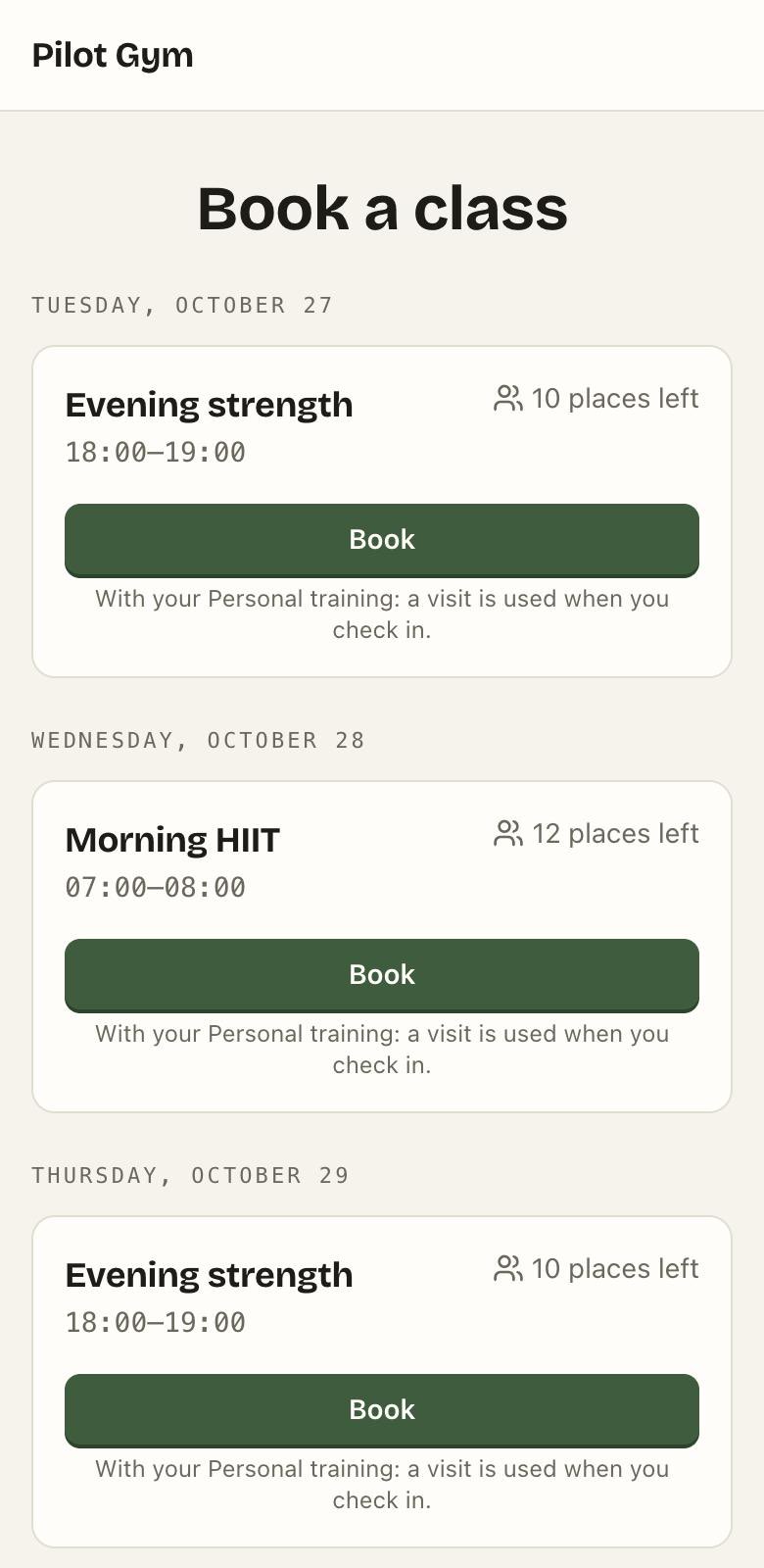
ClientClients book from your link.
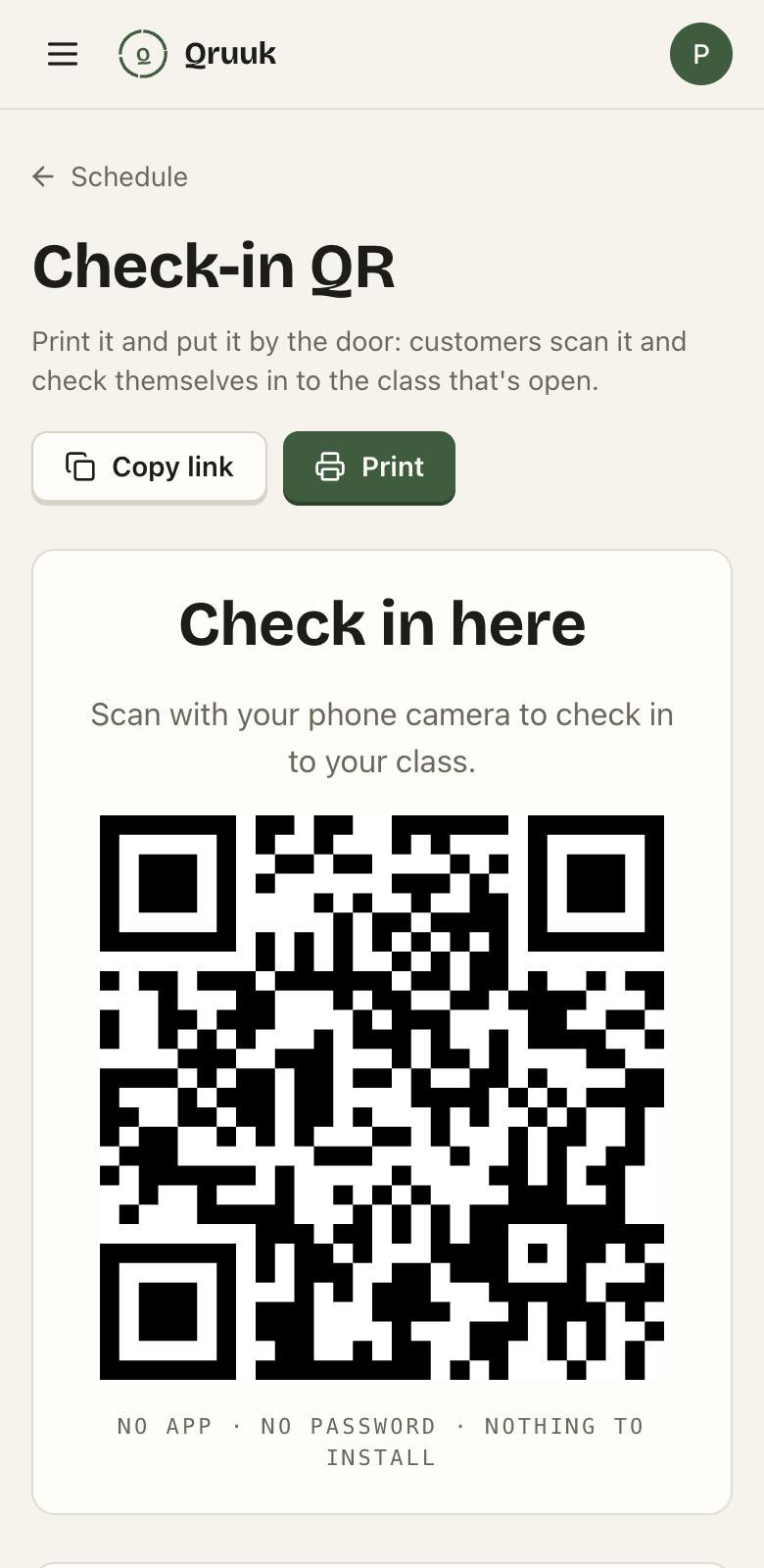
YouOne QR by the door: it opens the class that's on.
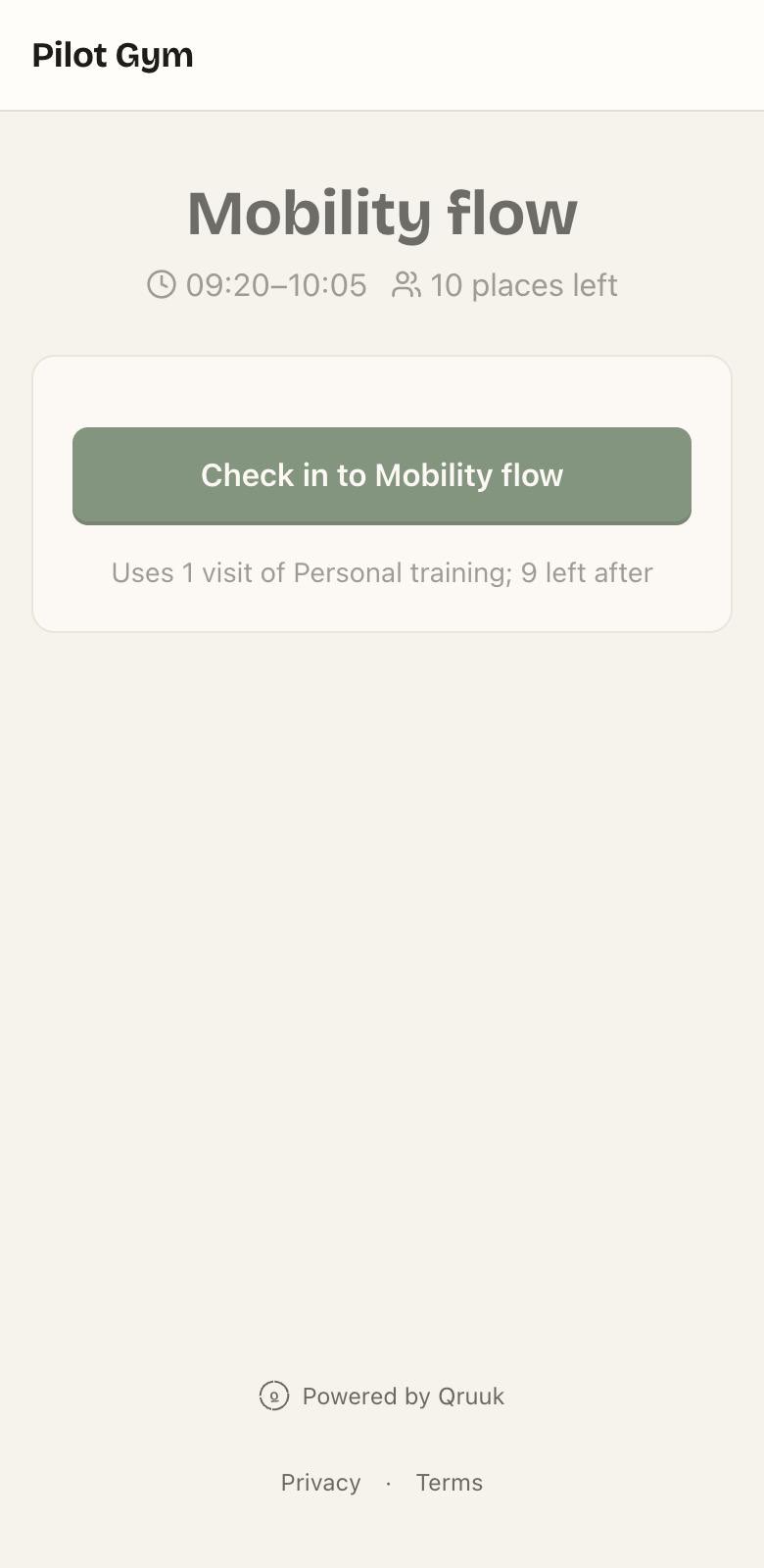
ClientAt the door: scan the QR, the pass checks them in.
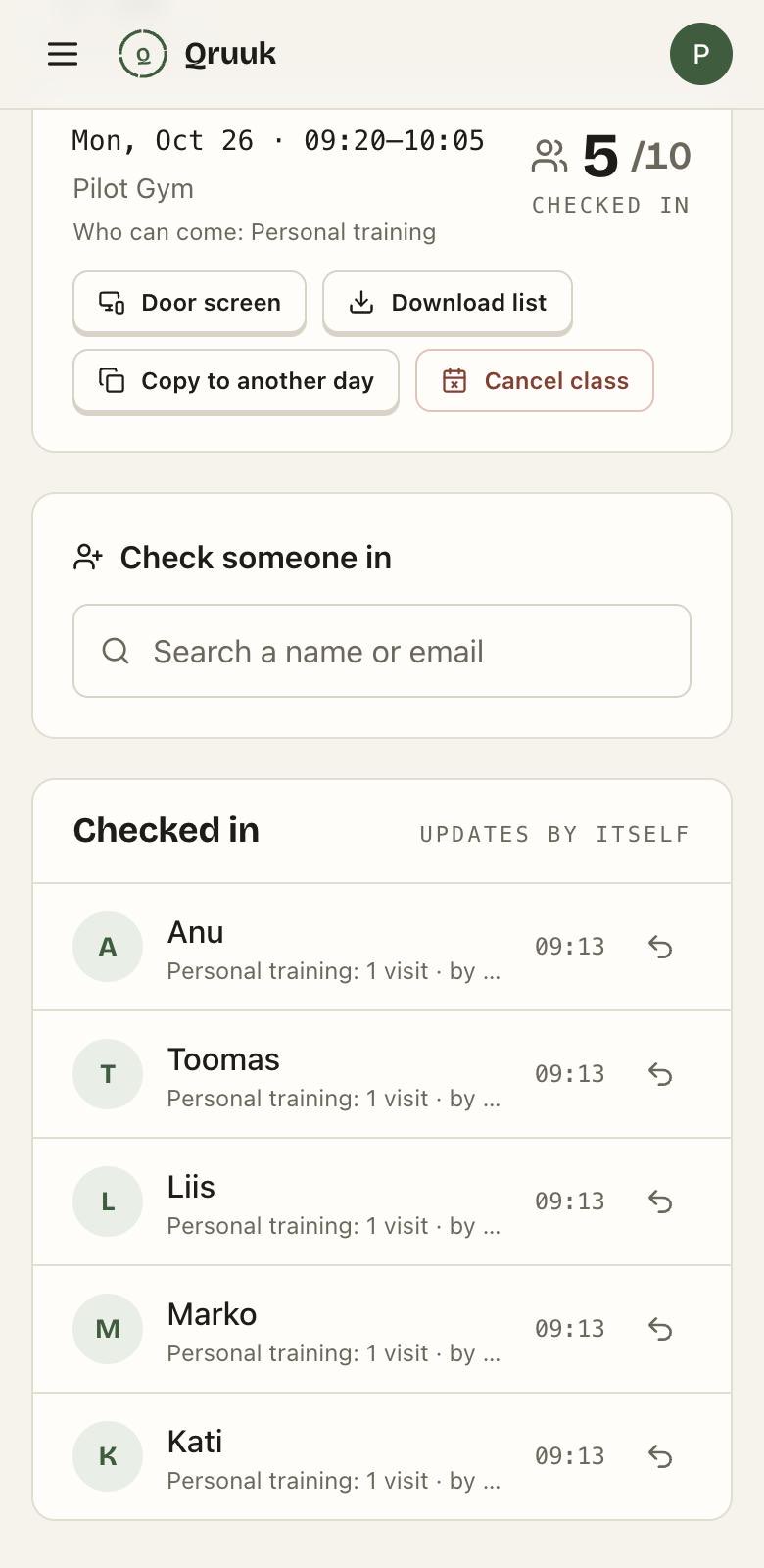
YouThe coach's roster fills itself.
Your week
A schedule clients book themselves.
Weekly classesDays, time, length and places, once; Qruuk repeats them every week. Add a one-off workshop next to them, or cancel a single date.
When a class is cancelledCancel it and everyone booked who left an email is told, with a link to book another.
A full class stays fullPlaces are counted as people book: two people can't take the last place at once.
Paste your timetableWrite it the way you always do: "Mon, Wed 18:00 Yoga 60 min". Qruuk reads the lines and shows you any it couldn't.
Your page
A page for your Instagram bio, and two lines for your own site.
A booking pageA booking page for your Instagram bio: app.qruuk.com/b/your-studio. Put it in your bio or a message, and the QR by the door. Clients see the week and book.
On your own websiteYour schedule and passes on your own site. Two lines into Wix, WordPress or Voog, and visitors book from there.
With a pass, or a first nameClients book a place with their pass, or with just a first name for a free class. They can give it back until the class starts, and the place opens up again.
No app for your clientsCustomers type a first name. No app, no password.
Passes and payments
Passes that count themselves.
Class passesA 10-class pass goes down by one with each class. Clients see how many are left on their phone.
MembershipsValid between two dates, any number of classes. The card says whether it's valid, and why.
Drop-insFor someone trying a class: one class, bought at the door.
PaymentsSell passes; clients pay on their phone and the money goes straight to your own account at the payment provider. On Core. How it works
Check-in
No front desk. No clipboard.
A QR by the doorClients open their pass with the phone camera and check themselves in. One visit comes off the pass, once.
The coach's TodayToday's classes, who booked and who's in. The coach watches the roster fill up on their phone.
No app for your clientsNo app, no password. Their phone remembers the card.
Coaches
Who taught what, and what they earned.
A coach on every classSet the coach on a class or on the whole weekly series. A coach's Today shows their own classes first.
The monthly reportEvery coach's classes, visits and what those visits were worth. A 10-class pass sold for €100 earns €10 per visit for the coach who ran it. A CSV for your bookkeeping.
Their shareTurn on "Pay coaches a share", say 50 %, with a different share for anyone who needs one. Qruuk works it out; you pay them.
Seats for the team1 / 5 / 15 seats (Free / Core / Pro). Coaches see the schedule and rosters, not money, settings or clients' contact details, and only their own line in the report.
Moving over
From your spreadsheet in an afternoon.
Clients from a spreadsheetUpload a CSV: names, email, phone, visits left or a membership end date. Excel's semicolons too. Their passes come with them.
ConnectionsWebhooks send every booking, check-in and sale to your spreadsheet, or to Zapier, Make or n8n; there is an open API too. Or let your AI assistant put up the schedule. Integrations
Your data stays in the EUOn Google Cloud in Finland. Your clients' data is yours: export or erase it in a tap.
Get back to the class.
Put up your week, share the link and let the passes count themselves. Free to start, no card needed.